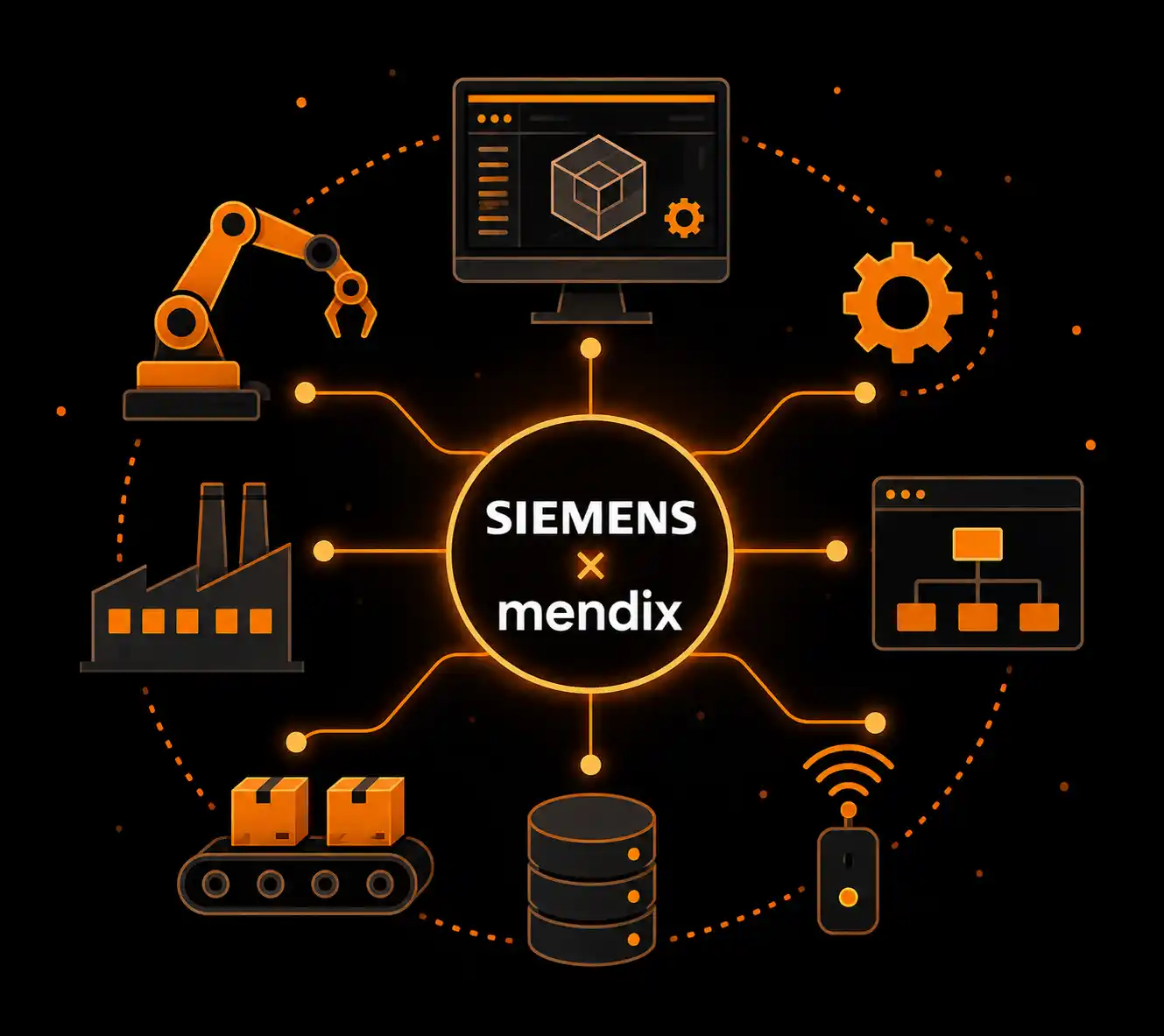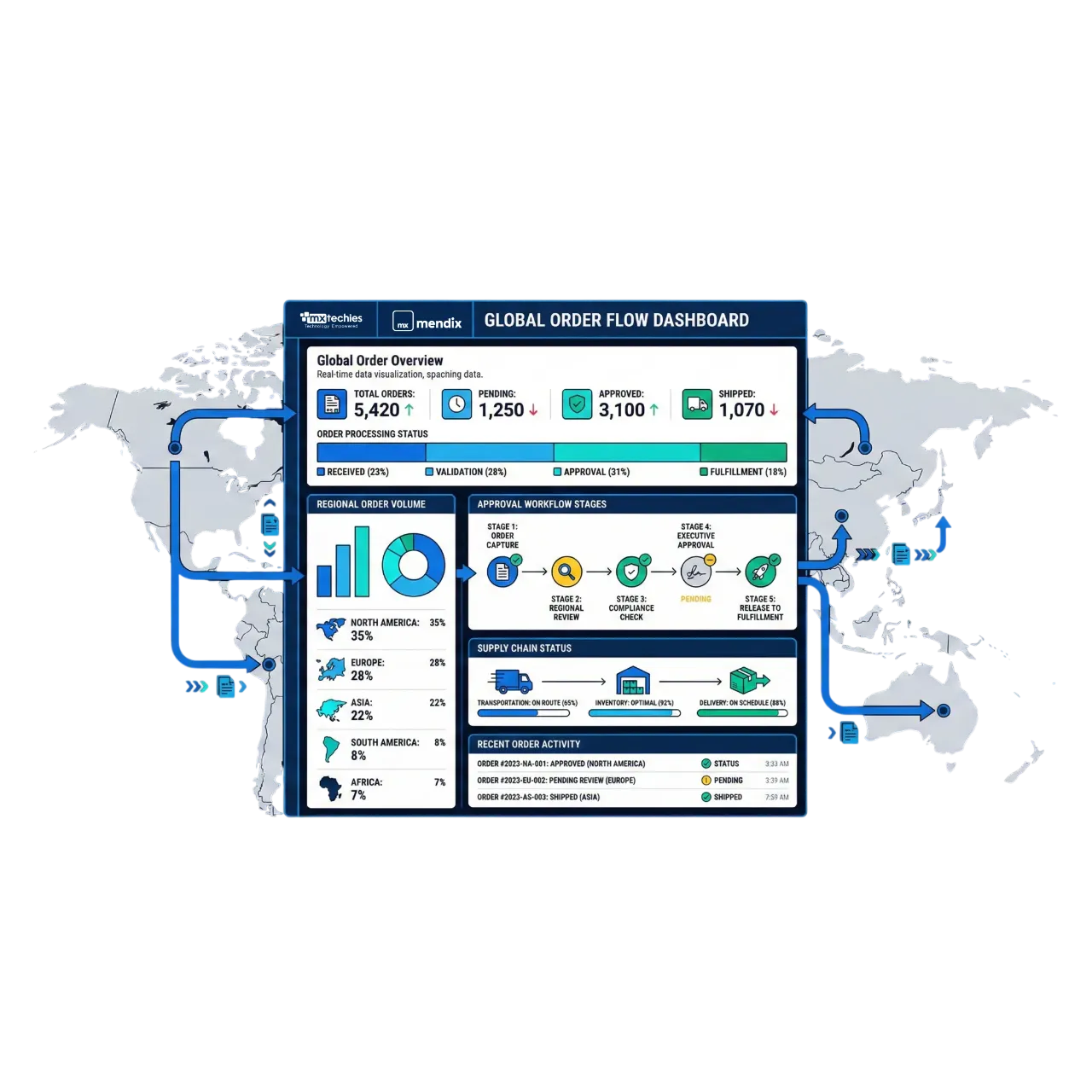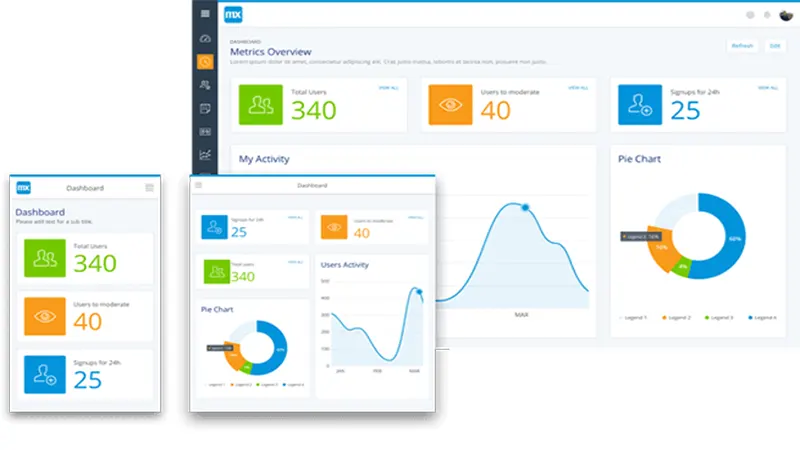
Teamcenter holds the data. Opcenter runs the line. What neither gives you is the approval screen for people without a seat, the supplier portal that shows one released drawing, or the operator view built for the job instead of the system.
Those get built on Mendix, the Siemens low-code platform, alongside your Siemens system, through supported connectors. The core stays standard and the upgrade path untouched.
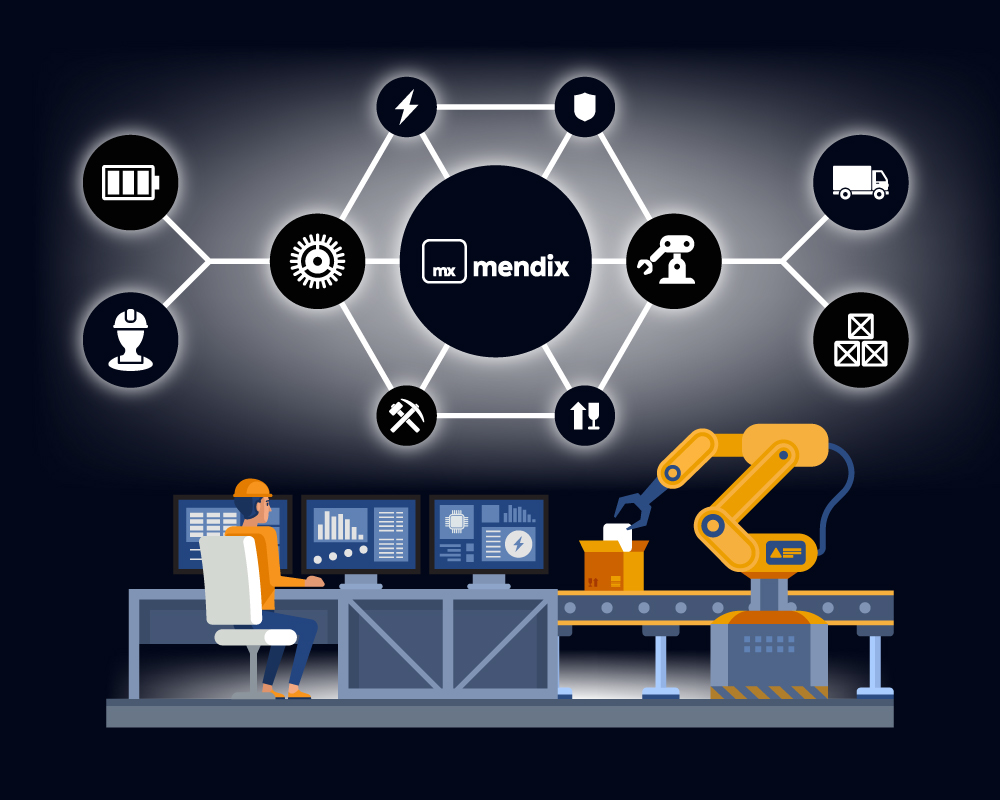
Mendix is the Siemens low-code platform, and the supported way to build custom apps on Siemens software. MXTechies, a certified Mendix partner, builds apps for US manufacturers that extend Teamcenter, Opcenter, Insights Hub, NX, Polarion and Simcenter through connectors and APIs, so the Siemens system is never modified.
Each Siemens product connects differently, and that decides how long your project takes.
| Siemens product | How the app connects to it | What that means for your project |
|---|---|---|
| Teamcenter | A ready-made Siemens connector; users log in with their company sign-on | Quickest to start. Your Teamcenter version sets the timeline |
| Opcenter | Standard Opcenter APIs plus Marketplace starter templates | Mostly configuration, not building from scratch |
| Insights Hub | No connector needed. Insights Hub is itself built on Mendix | An extension, not an integration |
| NX | Data exported from NX (3D views, bills of materials, drawings), not the CAD files | We plan the data export first |
| Polarion | Polarion's standard web API | Simple, predictable work |
| Simcenter | Custom-built for your Simcenter tools | Needs the most planning up front, which affects cost and timing |
Start with the problem costing your team the most time today.
| The problem you have today | The system behind it | The first app we build |
|---|---|---|
| Change approvals stuck in email | Teamcenter | An approval app for people without a Teamcenter login |
| Operators work from printed job sheets | Opcenter | Digital work instructions with on-screen confirmation |
| Machine data is collected but nobody acts on it | Insights Hub | Alerts sent to a named person when a machine needs attention |
| Reviewers wait for a CAD license to see a design | NX | A browser viewer for 3D models and drawings |
| Requirements are tracked in spreadsheets | Polarion | A dashboard showing which requirements are tested |
| Simulation results are scattered across teams | Simcenter | One place to see results, readable by non-specialists |
Extend when the requirement is about who sees the data and what happens around it. Customize when it changes what a Siemens object fundamentally is. Every core customization is revalidated at each upgrade, and that cost compounds. Most requests that reach IT are workflow, approval and access problems, and those belong beside the system.
For Teamcenter, four things decide how fast we can move. Check them before anyone gives you a timeline.
On an older version? Tell us which one. We can usually work with it, and we confirm the approach before you commit.
First engagements begin with a proof of concept: one use case, your own Teamcenter or Opcenter data, one real integration, two to four weeks. Cost is driven by integration count, connector coverage, the number of user roles, and deployment and security requirements. Mendix platform licensing is contracted separately with Mendix and sits outside implementation cost. Either team can own the app afterwards; handover includes documentation and enablement.
Plenty of firms will build you a Mendix application. Fewer have worked inside the Siemens stack.
Yes. Mendix is a Siemens business, and Siemens publishes platform-supported Mendix content for its products, including the Teamcenter Connector and Opcenter starter content. NX, Polarion and Simcenter use published APIs or custom integration.
No. The app connects through the Teamcenter Connector; the data model, configuration and Active Workspace stay standard, so upgrades proceed normally.
Teamcenter 2406 or later, or Teamcenter X 2506 or later, with Security Services 2406 or above and a single sign-on application ID per environment. Older versions use an earlier connector or a custom integration.
Often no, but confirm with your Siemens account team; it depends on your agreement and how the app reads and writes data. We bring the role-by-role user count to the assessment.
The one behind your most expensive workaround. Approvals stuck in email point to Teamcenter; printed job sheets point to Opcenter; machine data nobody acts on points to Insights Hub.
A working proof of concept typically takes two to four weeks on your own data. Cost depends on the number of integrations, connector coverage, user roles and deployment requirements. Mendix platform licensing is contracted separately with Mendix.
Yes. Apps run in Mendix Cloud, a US-hosted tenancy you control, or fully on-premises, so controlled technical data stays inside your environment. MXTechies does not certify ITAR compliance; the export-control obligation remains yours.
Governance from the first app: a review gate before a new app is approved, standardized connectors, environment and release controls, security mapped to the source system, and a named platform owner.
We do not. Bring us a process that spans Teamcenter, Opcenter or SAP, and we will show you what it looks like as one application instead of three handoffs. Forty-five minutes, your systems, no prep, in US business hours.