
How to Keep Mendix Pages in Sync Across Users — From
Polling to Real-Time Updates
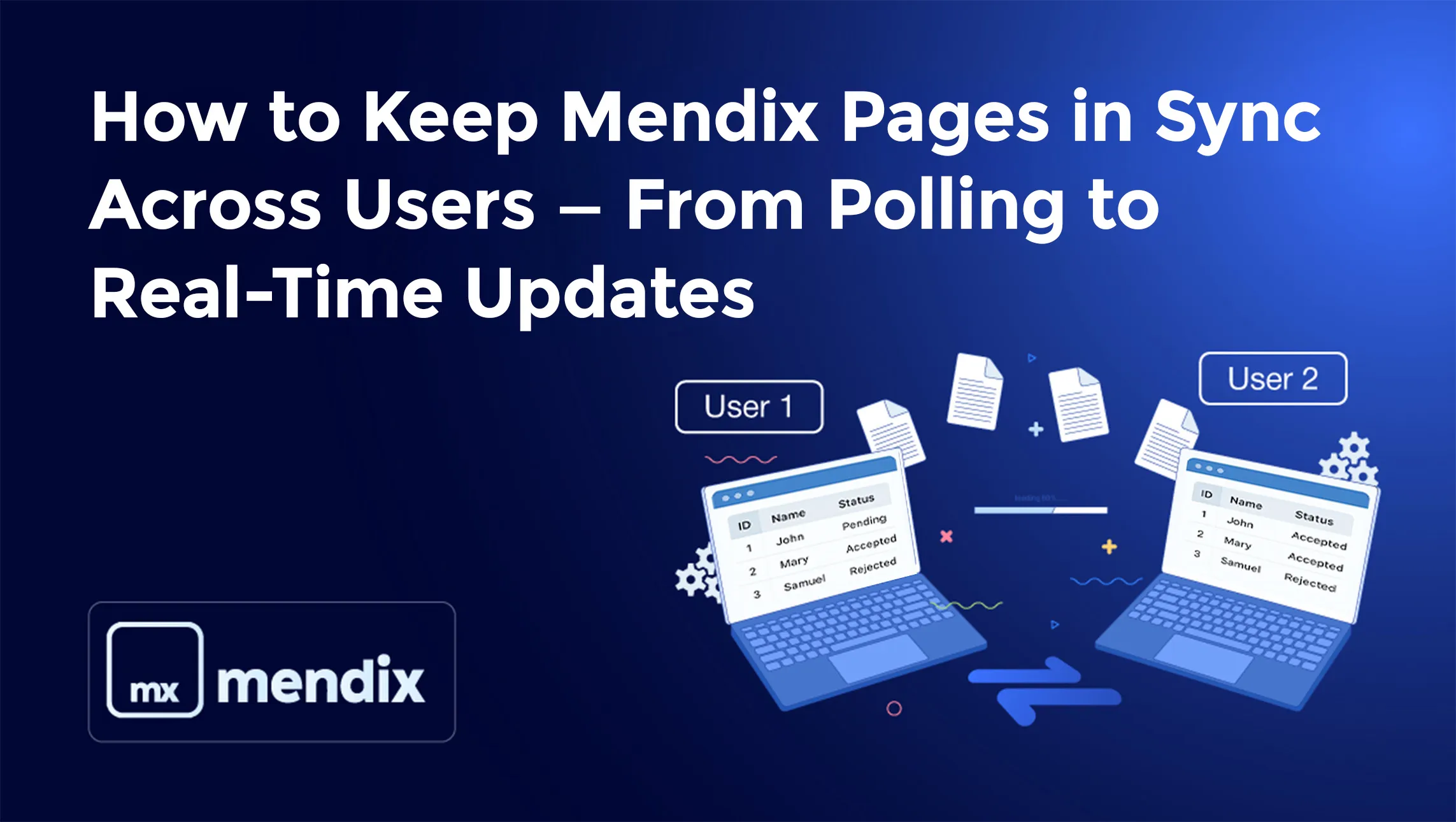
The Problem
Imagine two users, User 1 and User 2, are on the same Mendix page viewing a shared dataset — for example, a Request Overview page using Data Grid 2.
-
User 1 opens a request, changes its status to Accepted, and commits.
-
User 2, who is on the same page, still sees the old data.
-
Unless User 2 manually refreshes the page, the update doesn’t appear.
This is one of the most common collaboration challenges in Mendix — keeping data synchronized between multiple sessions.
Understanding Why This Happens
By design, Mendix uses client-side caching and optimistic locking
-
Each user session maintains its own in-memory version of objects.
-
When a commit happens, Mendix updates the database but does not push changes to other active clients.
-
Other users’ clients continue showing cached data until they perform an explicit refresh.
This is why User 2 doesn’t see User 1’s updates automatically.
Solution Spectrum: From Basic to Real-Time?
Let’s look at four practical ways to handle this — depending on your needs and complexity tolerance.
Auto-Refresh Using Data Grid 2 Properties (Simplest Option)
If you don’t need instant updates but you want the grid to refresh automatically without user interaction, Data Grid 2 includes a built-in feature called “Refresh interval”.
How it works
You set a time interval (e.g., 5 seconds, 10 seconds, 30 seconds).
The grid will automatically refresh the data from the database at that frequency.
Behavior
-
User1 commits changes
-
After the grid refreshes (within the specified interval), User2 sees the updated data automatically
-
No need for microflows, web sockets, or subscriptions
Pros
-
Easiest to configure
-
No extra modules
-
Works with database data source (no context required)
Cons
-
Not real-time (only refreshes every X second)
-
Frequent refresh may cause unnecessary DB load
When to use this?
Use this if:
-
Real-time updates are not mandatory
-
You prefer simplicity
-
The grid shows overview lists (like your Request Overview page)
Scheduled Auto-Refresh Using Nanoflow Timer
If you want the page to auto-refresh periodically (every few seconds), use the Nanoflow Timer widget.
How to set up
-
1. Install Nanoflow Timer from the Marketplace.
-
2. Place it on your overview page.
-
3. Create a nanoflow NF_Refresh_RequestOverview:
-
4. Retrieve Request objects from Database
-
5. Refresh in client: Yes
-
6. Configure the timer interval (e.g., 5000 ms).
Pros
-
Easy to implement
-
Works for any Data Grid 2 (even database-based)
Cons
-
Periodic polling, not instant
-
Slight load on DB if interval is short
Real-Time Sync Using WebSocket / Notification Module
For instant updates across users — true real-time refresh.
Setup Steps
1. Install WebSocket or Notification Module from the Marketplace.
2. In your After Startup microflow → start the WebSocket server.
3. In your commit microflow (e.g., UpdateRequestStatus):
-
After commit, call:
-
PublishMessage(ChannelName = "RequestUpdated", Message = "refresh")
4. On your Request Overview page
-
Add a WebSocket Listener widget.
-
Channel: "RequestUpdated"
-
On Message Nanoflow: NF_Refresh_RequestGrid
Inside NF_Refresh_RequestGrid:
If your grid is Database-based (no context):
// JavaScript action
mx.ui.reload();
Or, if it’s a microflow-based grid:
→ Re-execute that microflow → Refresh in client = Yes.
Pros:
-
Real-time updates across users
-
No polling
-
Works for both database and microflow data sources
Cons
-
Slightly more setup (server + widget config)
-
Requires additional Marketplace module
Hybrid – Context-Based Smart Refresh
If you wrap your Data Grid 2 inside a non-persistent helper object,
you can refresh just that helper to re-render the grid without reloading the whole page.
Example Flow
1. Page → Data View (Helper entity) → Contains Data Grid 2.
2. When an update occurs:
-
Publish "RequestUpdated".
-
Listener calls nanoflow → Refresh the Helper object → Grid reloads automatically.
-
Partial reload (faster).
-
Slightly more model setup
Summary Table
| Approach | Real-Time? | Complexity | Ideal For |
|---|---|---|---|
| Auto Refresh | - | Simple admin screens | |
| Nanoflow Timer | Near real-time | Light dashboards | |
| WebSocket Notification | Instant | Multi-user collaboration | |
| Helper Refresh | Instant (Partial) | Optimized performance pages |
Final Thoughts
Real-time synchronization can dramatically improve the user experience in Mendix apps — especially in collaborative environments like approvals, dashboards, or monitoring systems.
Start small with a Nanoflow Timer and move toward WebSocket-based updates when your use case demands instant visibility across sessions.