NX Design Review Apps
View JT, CAD, or PMI files with real-time comments

Build custom NX CAD apps for design reviews, workflow automation, and system integration.
NX is never customized. Apps use CAD-derived data — JT, PMI, metadata and BOM structure — served through Teamcenter.
MXTechies helps engineering teams across the UAE and the wider Middle East extend Siemens NX CAD with Mendix low-code applications — building design review, BOM management, and engineering change request (ECR/ECN) apps that connect through Teamcenter Connector modules and NX APIs, without customizing or disrupting the core NX CAD software.
Siemens NX CAD is a powerful 3D product design software. But every organization needs custom workflows. Mendix helps you build apps that improve design collaboration, automate engineering processes, and connect NX with enterprise systems.
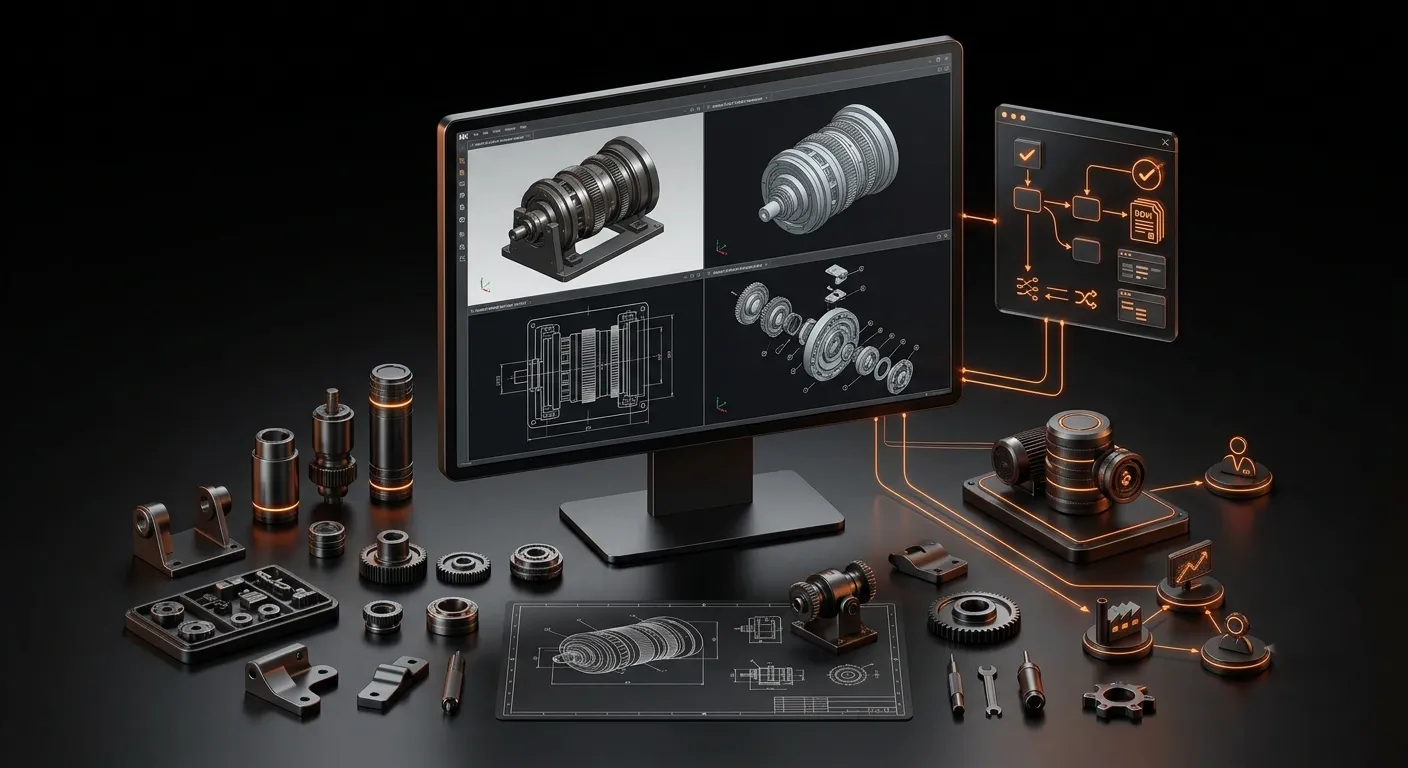
View JT, CAD, or PMI files with real-time comments
Transfer part data to ERP, PLM, or MES
Automate ECR/ECN workflows
Enable self-service design with quote generation
Monitor test results and KPIs
Secure access to NX data on the go

Connect NX CAD, Mendix, and Teamcenter to build complete product lifecycle apps.
Speed up development using trusted components
View CAD and JT files on the web browser
Safe access to PLM and NX information
Error handling and reusable microflows
BOM, routing, and planning logic
Modern UI blocks and layouts for responsive apps

Speed up product configuration and variant management

Oversee intricate simulation processes and assemblies

Automate custom order processing and BOM validation

Track compliance, design changes, and approvals

Improve design to manufacturing handovers

Simplify multi-system workflows with low-code apps
This integration uses Mendix low-code apps to extend Siemens NX CAD functionality. You can build custom tools for design automation, workflow management, and enterprise system connectivity — without changing the core NX CAD software.
Yes. Mendix supports 3D visualization using:
Mendix uses:
Yes. Mendix apps are fully compatible with NX X and run in the browser. This supports cloud-based engineering workflows and remote collaboration.
Absolutely. Mendix enables:
These reduce manual effort and increase engineering efficiency.
Most applications are delivered within 2 to 6 weeks, depending on complexity. Using reusable Mendix Marketplace components speeds up delivery.
No customization is required. Your CAD environment is stable and upgrade-safe thanks to Mendix apps, which operate externally and communicate with NX CAD through APIs.
Extend Siemens NX CAD with Mendix apps to build faster, collaborate better, and streamline product development.